

Latest Version
Wondershare Technology Group Co.,LTD
Design
Mac
Free
1516822341
Report a Problem
More About Filmora: Movie & Video Editor
A Hands-On Look at Filmora: Movie & Video Editor
Creating professional-grade video content often requires balancing technical complexity with creative freedom. Filmora: Movie & Video Editor, developed by Wondershare Technology Group Co.,LTD, addresses this challenge by delivering an AI-powered editing environment tailored specifically for Mac users. Designed to streamline workflows without sacrificing depth, this application serves as a versatile bridge between casual creators and dedicated video editors working on macOS.
Key Features of Filmora: Movie & Video Editor
The platform stands out by integrating generative AI and traditional multi-track editing. Here is a breakdown of the core capabilities that define the editing experience:
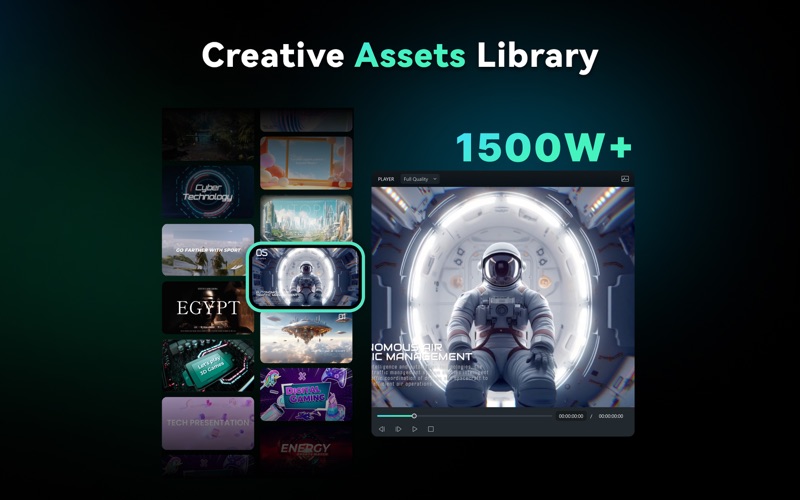
- Generative AI Tools: Instantly generate custom assets using the AI Image, AI Sticker, and AI Music generators to keep your workflow entirely self-contained.
- Smart Audio Integration: Utilize Voice Cloning to capture your distinctive tone for voiceovers, alongside Video Denoising to eliminate unwanted background sounds.
- Automated Subtitles: The Auto Captions feature transcribes and creates animated subtitles with a single click, automatically highlighting key terms.
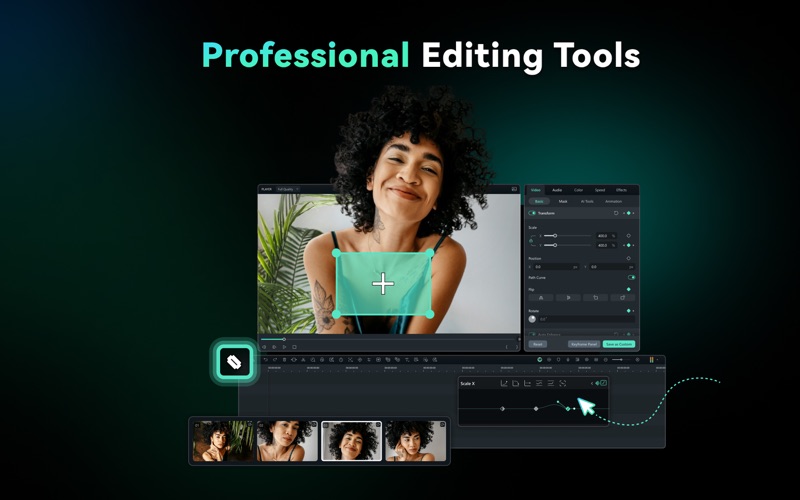
- Advanced Visual Tracking: Implement Planar Tracking to analyze and track flat or curved surfaces within your footage, coupled with seamless keyframe animations.
- Localized Translation: The AI Translation tool features lip-syncing capabilities, allowing you to translate videos for global audiences while preserving your original voice.
Optimized Performance for macOS
Built to align with modern Apple hardware, Filmora: Movie & Video Editor delivers a highly responsive editing timeline on macOS from 10.15 (Catalina) through 14 (Sonoma). It features native support for Apple Silicon (including M1 and M2 chips), ensuring fast rendering times and smooth playback. Editors transitioning from other suites will appreciate the option to map custom keyboard shortcuts matching Final Cut Pro or Premiere Pro layouts, alongside tactile haptic feedback during timeline adjustments.
Is the Free Version Sufficient?
The free edition provides complete access to the core editing timeline and basic exporting features, making it an excellent starting point for testing your workflow. However, it does include a watermark on exported files and limits advanced AI features to a pool of 100 promotional credits. Premium assets and cloud storage options are reserved for upgraded plans.
Final Verdict
Whether you need to quickly resize content via Auto Reframe or construct complex multi-cam sequences, this software balances automated simplicity with professional control. To explore its features and begin editing, check out the official Mac App Store page to download the application directly from Apple.
Rate the App
User Reviews














Popular Apps










Editor's Choice