

Latest Version
Binaire Private Limited
Design
Mac
Free
1565728221
Report a Problem
More About Photo Editor Irix HDR Classic
The Challenge of Achieving Perfect Exposure in Digital Photography
Capturing the perfect balance of light, shadow, and color in a single exposure is a challenge that photographers face daily. Harsh highlights often lead to washed-out skies, while recovering details from deep shadows can introduce unwanted noise. The Photo Editor Irix HDR Classic photo editing software addresses this exact problem, offering Mac users a sophisticated environment to render high-dynamic-range images with exceptional fidelity and minimal effort.
How the Photo Editor Irix HDR Classic Transforms Your Images
Engineered specifically for macOS, this application bridges the gap between quick, one-touch enhancements and deep, professional-grade manual adjustments. By utilizing advanced hardware acceleration, it allows photographers to manipulate complex image data without experiencing system lag.
AI-Driven Sky Replacement and Enhancements
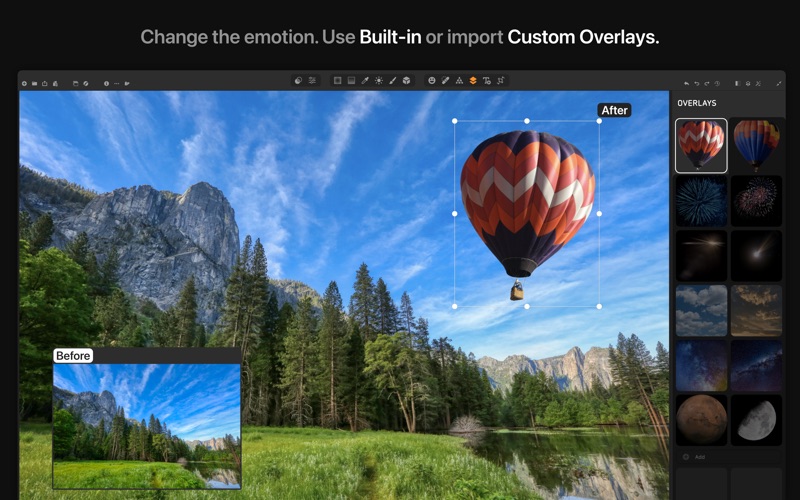
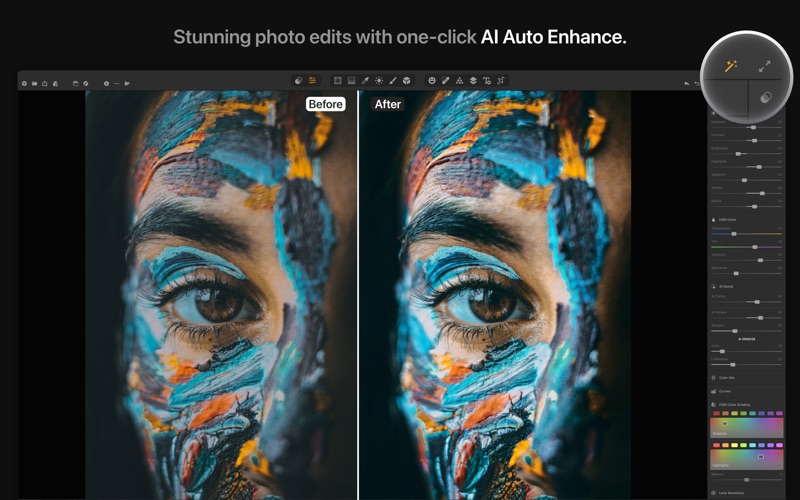
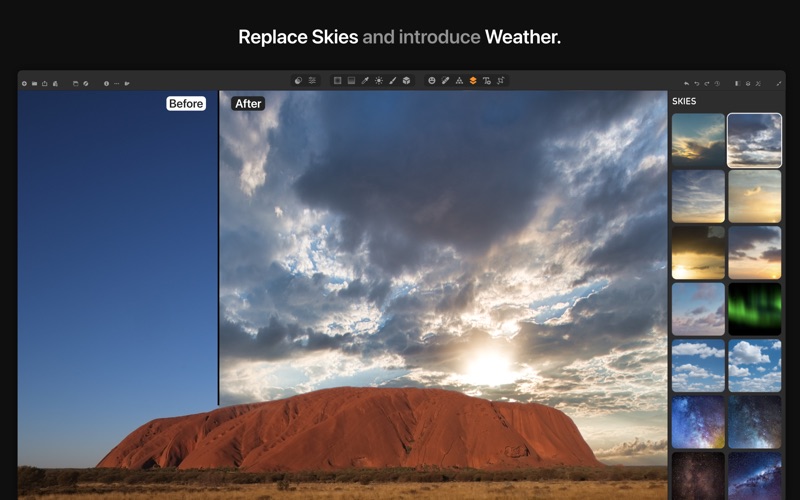
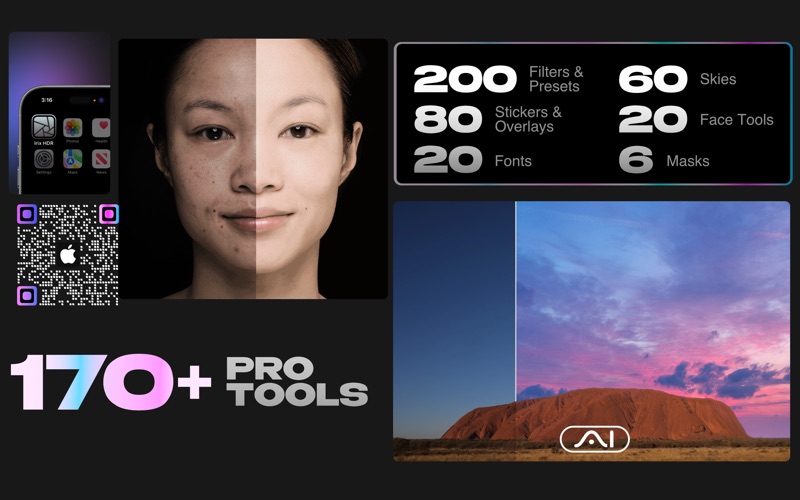
One of the standout capabilities of the Photo Editor Irix HDR Classic photo editing tool is its SkyXpress technology. If a flat, overcast sky ruins an otherwise perfect landscape, the built-in AI edge detection seamlessly replaces the backdrop with realistic weather effects or custom imported skies. Additionally, the Voxell AI engine, trained on millions of professional images, analyzes your photos to apply instant, intelligent color corrections that look natural rather than overprocessed.
Advanced Color Grading and Localized Masking
For those who demand precise control over their final output, the software provides a robust set of professional tools:
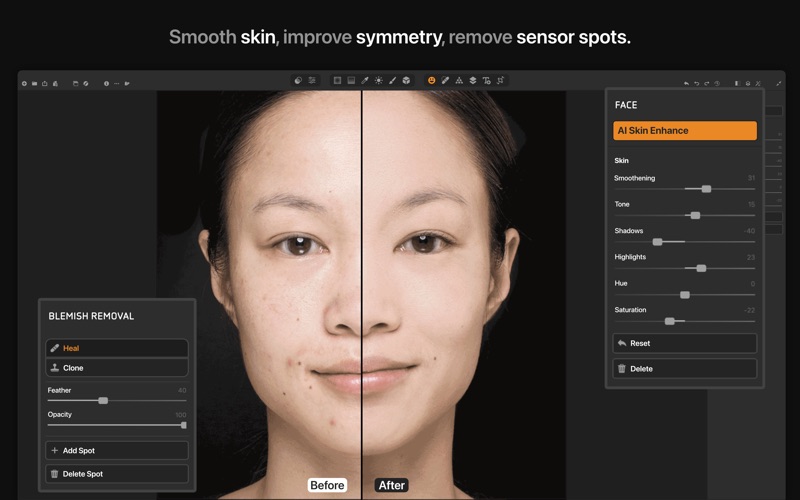
- Local Adjustments: Apply radial, gradient, brush, luminance, and depth masks to target specific regions of your photo.
- Depth Editing: Make global or localized adjustments directly to individual depth layers.
- Wide Color Space Support: Work confidently across various gamuts including XDR, HDR, Adobe RGB, sRGB, Prophoto, and CMYK.
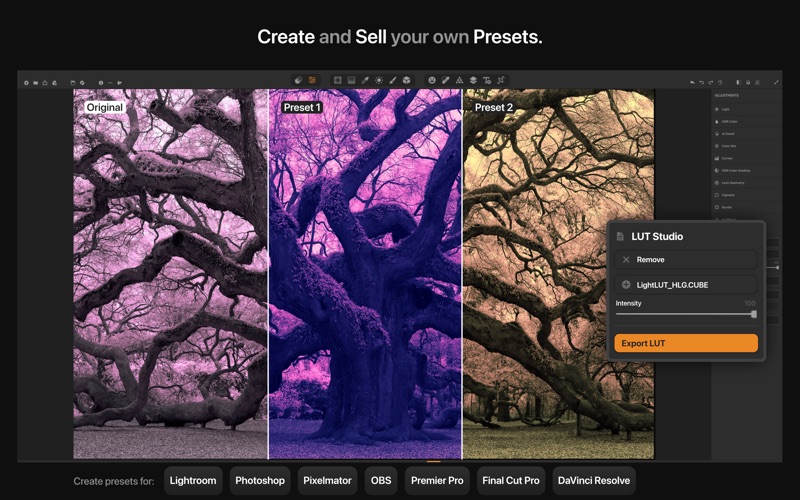
- LUT Integration: Import custom lookup tables in .CUBE, .VF, or .3DL formats, or export your own unique presets.
Built for High-Performance Mac Workflows
Developed by Binaire Private Limited, this software is optimized for Apple Silicon (M1 and M2 chips) as well as Intel processors using the Metal rendering engine. It handles massive files up to 200 megapixels with ease, supporting RAW formats from major camera manufacturers like Sony, Nikon, Canon, and Panasonic. Whether you are correcting lens distortion, utilizing mesh warping, or working with 64-bit image precision, the performance remains smooth and responsive.
Is It Right for You?
The Photo Editor Irix HDR Classic photo editing application is highly recommended for landscape photographers, digital artists, and content creators who need professional-tier color grading and raw processing on macOS. With its balance of automated AI tools and deep manual controls, it caters to both hobbyists looking for quick presets and professionals executing complex workflows. To experience these features firsthand, you can explore the application on the official Mac App Store.
Rate the App
User Reviews














Popular Apps










Editor's Choice