

Latest Version
坤 刘
Design
Mac
Free
1643199046
Report a Problem
More About QDraw - Photo Editor
Streamline Your Creative Workflow on Mac
Imagine you are preparing a quick visual presentation, designing a basic mockup, or trying to add precise annotations to an image for a business report. Navigating heavy, resource-intensive design software just to draw a few clean lines, insert structured text, or crop an image can stall your productivity. This is where QDraw - Photo Editor steps in as an agile, highly efficient solution for macOS users who need precision without the complexity of bloated editing suites.
Developed by 坤 刘, this Mac utility bridges the gap between basic image viewing and high-end graphic design. It offers a structured environment where creators, educators, and professionals can manipulate layers, annotate layouts, and export polished visuals rapidly.
Core Features of QDraw - Photo Editor
Despite its lightweight footprint, this application packs a robust set of features tailored for daily design tasks. Below are the key tools you can leverage:
- Layer Manipulation: Easily rotate, resize, flip, and move individual layers to construct complex layouts.
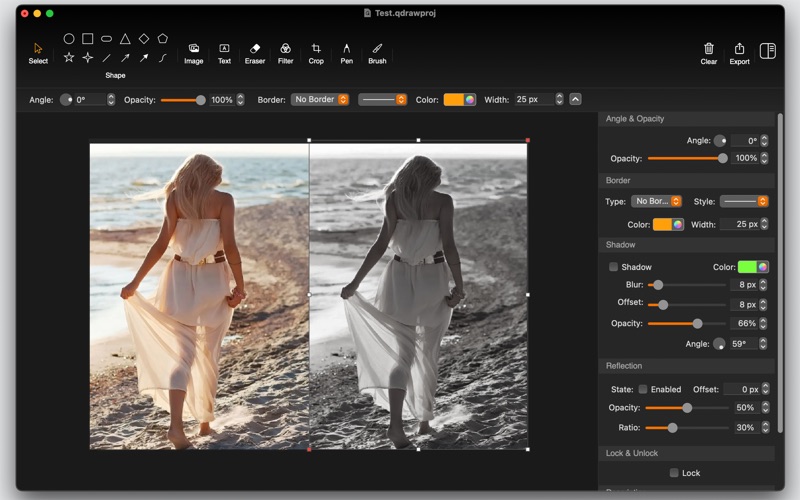
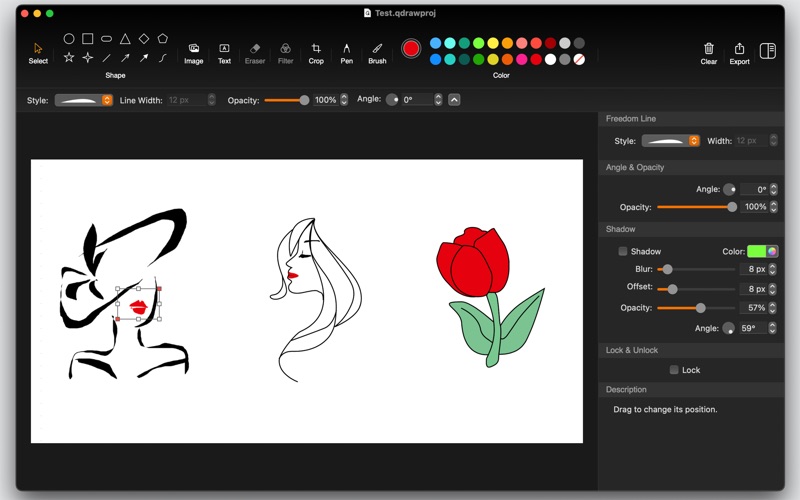
- Vector and Drawing Tools: Draw precise shapes, utilize the pen and brush tools, and construct various styles of connecting lines—perfect for flowcharts and diagrams.
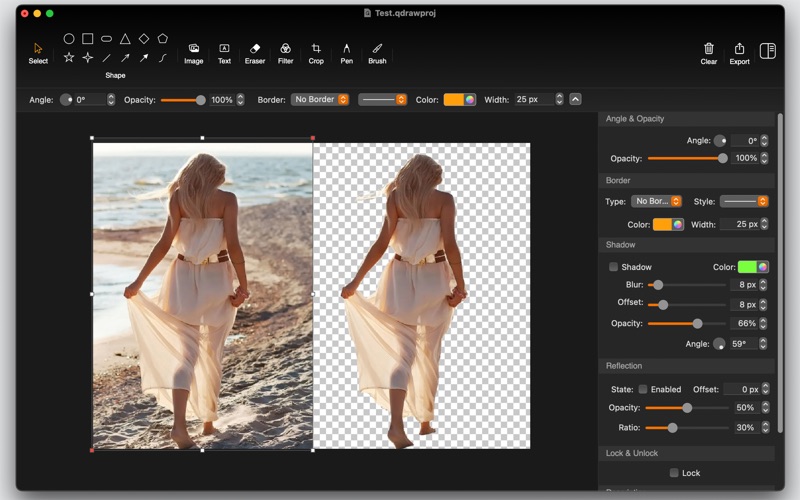
- Advanced Eraser and Cutouts: Take advantage of one-click AI recognition to identify people in images and extract cutouts effortlessly.
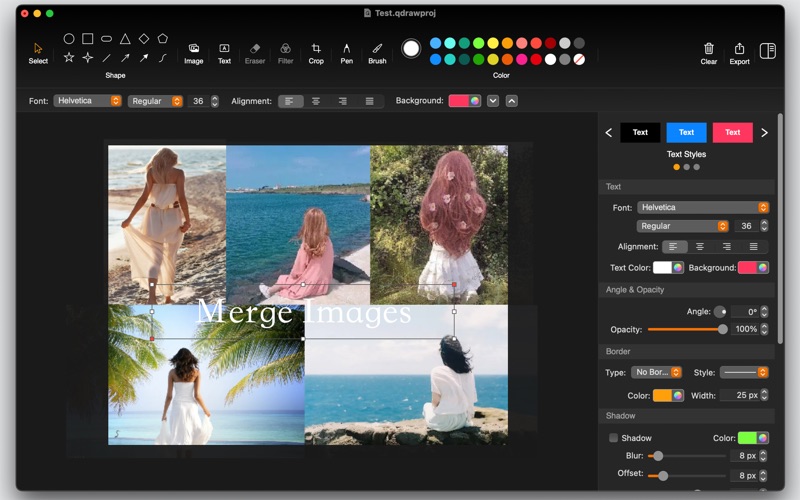
- Flexible Annotations: Add customizable text boxes and apply shadows, opacity adjustments, or random pixel transparency effects.
- Multi-Format Exporting: Save your completed projects in professional formats including PNG, JPG, JPEG-2000, PDF, and TIFF.
A Highly Functional Workspace for Daily Design
What makes QDraw - Photo Editor stand out is its commitment to user-friendly design. It features horizontal and vertical rulers to ensure pixel-perfect alignment, alongside watermark tools to protect your intellectual property before sharing. For those looking to merge multiple images into cohesive collages, the software allows you to import several assets, arrange their positioning freely, and export them as a single unified document.
While the basic vector and layout tools are entirely free to use, advanced creative features—including the brush tool, specific pen styles, and image filters—can be unlocked permanently via a one-time in-app purchase, removing any recurring subscription worries.
Is QDraw the Right Fit For You?
If you require a reliable desktop companion to handle quick vector mockups, photo cropping, layer merges, and rapid file conversions, this application delivers excellent value. It avoids steep learning curves, making it ideal for business professionals, content creators, and casual designers alike.
To explore its interface and start optimizing your creative pipeline, head over to the Mac App Store to view the official listing for QDraw - Photo Editor today.
Rate the App
User Reviews












Popular Apps









Editor's Choice